See Your Blinds Before You Buy -- How Our AR Tools Work
April 2026 · 8 min read · Technology
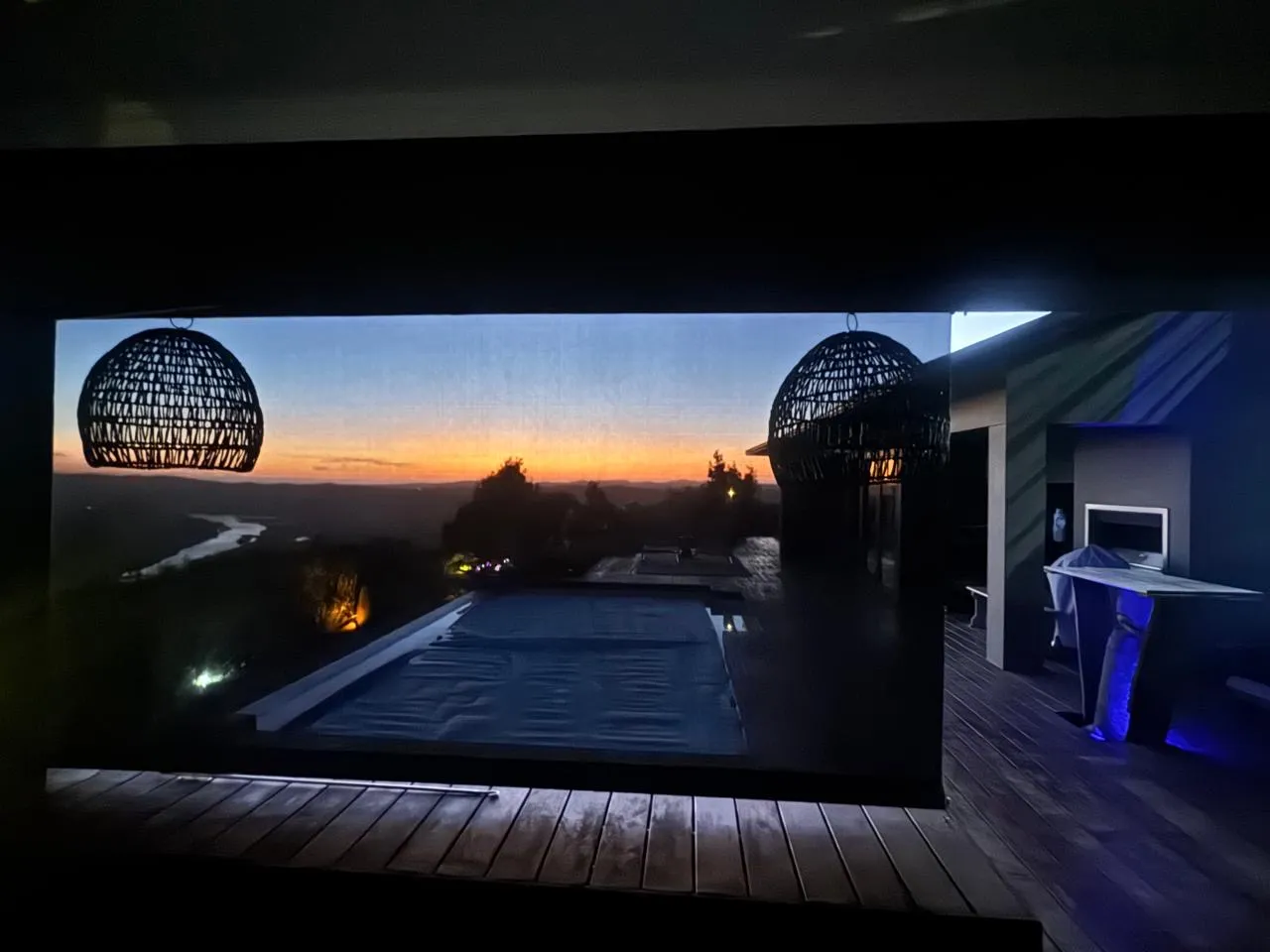
South Africa's biggest hesitation when buying blinds online is not price. It is not delivery. It is this: will it actually look right in my room?
That question used to mean a showroom visit, a consultant, a week of waiting. The Custom Blinds shop has changed that. Four free tools on shop.customblinds.co.za let you see, measure, and design your blinds before a single order is placed. Here is what each one does.
The AR Visualiser
Upload a photo of your room -- or point your phone camera at the window -- and the AR Visualiser places your chosen blind in the frame. The preview uses actual fabric textures, not flat colour swatches. You can tap to open and close the blind in the preview, which shows you the stacked position, the light bleed at the edges, and how the fabric reads in your room's natural light.
It works on desktop and mobile. No app, no account, no commitment. You try it, you see it, and you either love it or you switch to a different fabric and try again. Most customers settle on their final choice in under five minutes.
The AR Measurement Tool
Measuring windows for made-to-measure blinds is where most online orders go wrong. A millimetre out on the width can mean a blind that either gaps at the sides or jams in the recess.
The AR Measurement Tool removes that risk. Hold an A4 sheet of paper flat against your window, open the tool on your phone, and point the camera at the window with the page in frame. Because the tool knows the exact dimensions of A4 paper, it calculates your window width and drop in millimetres -- accurately, without a tape measure, without a ladder. It works for standard rectangular windows and for irregular shapes and recesses.
When you confirm the measurement, it converts directly to a quote. Your dimensions pre-fill the configurator automatically.
Build My Blind
Build My Blind is the 3D configurator. You choose the blind type -- roller, zebra, honeycomb, venetian, vertical, outdoor -- select your fabric and colour, enter your dimensions, and the preview updates in real time with the actual texture and proportions of your blind. Pricing updates as you configure. No quote request, no waiting, no email back and forth. You see the blind, you see the price, you add to cart.
It supports every blind type on the shop, including motorised options. For whole-house projects you can configure multiple blinds in a single session and see the combined total before checkout.
Melvin AI
Melvin is the shop's AI design consultant, available 24 hours a day. If you are not sure which blind suits your room -- whether you need blockout or sheer, which fabric handles direct western sun, which option works in a rental where you cannot drill -- Melvin answers based on the same product knowledge the Custom Blinds team has built since 2010.
Ask about light control, privacy, child safety, motorisation, or coastal durability. Melvin gives specific recommendations, not generic answers, and can escalate to the team for complex projects.
Which Tool Should I Start With?
If you are exploring: open the AR Visualiser first. See the blind in your room before you think about dimensions or price.
If you know what you want and need a size: use the AR Measurement Tool. It is the fastest way from window to quote.
If you are ready to design and price: go straight to Build My Blind.
If you want advice before any of that: ask Melvin. He is on the homepage, available immediately, and knows every product on the shop.
All four tools are free. No account needed. Available now at shop.customblinds.co.za.